
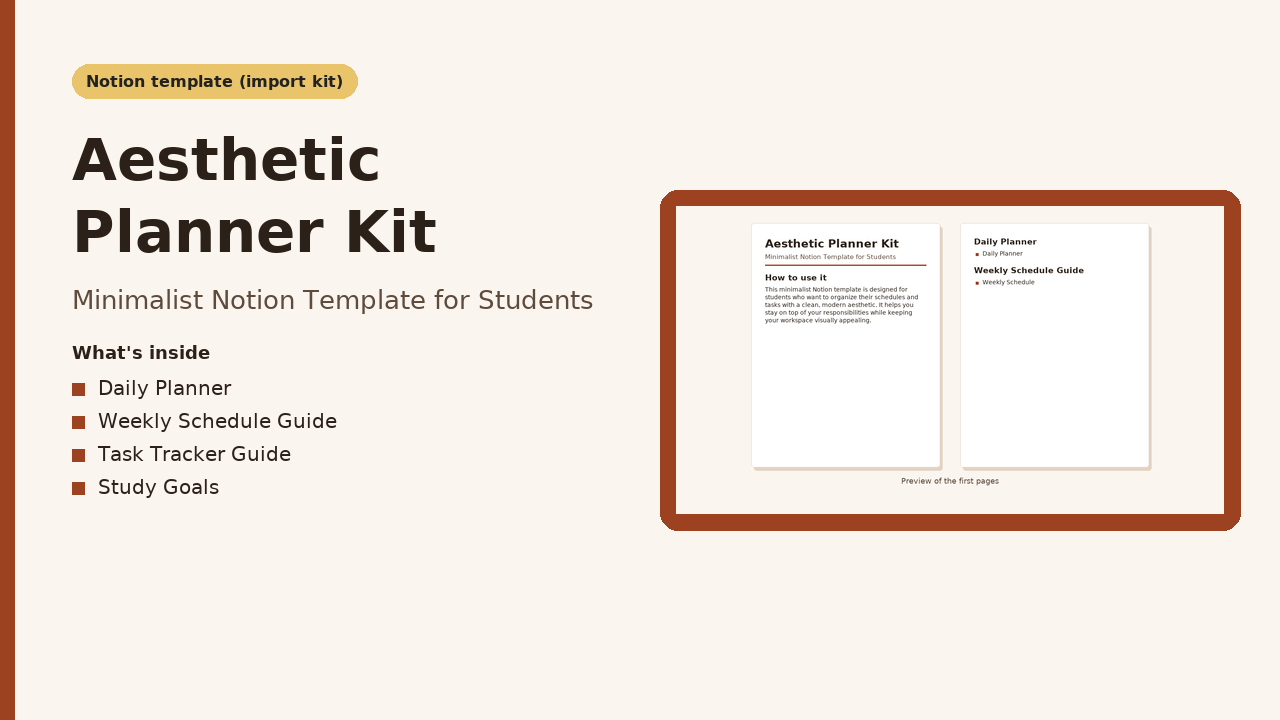
 You’re looking for notion template ideas aesthetic. This template helps students organize tasks and goals with a clean, modern design.
Key takeaways
- Aesthetic Notion templates help students stay organized.
- Minimalist layouts make it easy to track daily tasks.
- Color-coded blocks help manage time effectively.
- CSV files make it simple to import tasks and events.
How to Use Notion Template Ideas Aesthetic
- Open the Notion template and review the layout. The design is clean and modern, perfect for students.
- Use the weekly schedule to plan your classes, study time, and free time. Color-coded blocks help you see your day at a glance.
- Add tasks to the task tracker. Use filters to sort by priority or due date. The progress bar shows how much you’ve completed.
- Set study goals in the dedicated section. Use progress indicators to track how much you’ve achieved and reflection prompts to think about your progress.
Why the Problem Happens
Students often struggle to keep track of their schedules and tasks. Without a clear system, it’s easy to feel overwhelmed.
Aesthetic Notion templates help by providing a visual structure that makes planning and organizing easier.
Common Mistakes
Some students try to add too many tasks at once, which can make the template feel cluttered.
Others forget to use the filters and progress bar, making it harder to see what needs to be done.
A Worked Example
Start by adding your classes and study sessions to the weekly schedule. Use color-coded blocks to separate each activity.
Add tasks to the task tracker and use the filters to sort by priority. The progress bar will help you see how much you’ve completed each day.
Frequently asked questions
Can I customize the aesthetic Notion template?
Yes, the design notes guide you on how to change colors and layouts to match your style.
How do I import tasks into the template?
Use the CSV file to import tasks and events quickly. It saves time and keeps your schedule up to date.
What if I need help getting started?
The sample week shows how to fill in the template. It gives you a clear example of how to use it.
If you would rather not build it yourself
The Aesthetic Planner Kit includes a minimalist Notion template with color-coded blocks, task trackers, and study goals to help you stay organized.
See the Aesthetic Planner Kit on Gumroad
Disclosure: I made the template linked above (Makerly Paper Co.).
How this guide was made: Makerly Paper Co. drafted it with help from an AI model, working from the notes of the template it describes, and checked it against our publishing rules before it went live.